

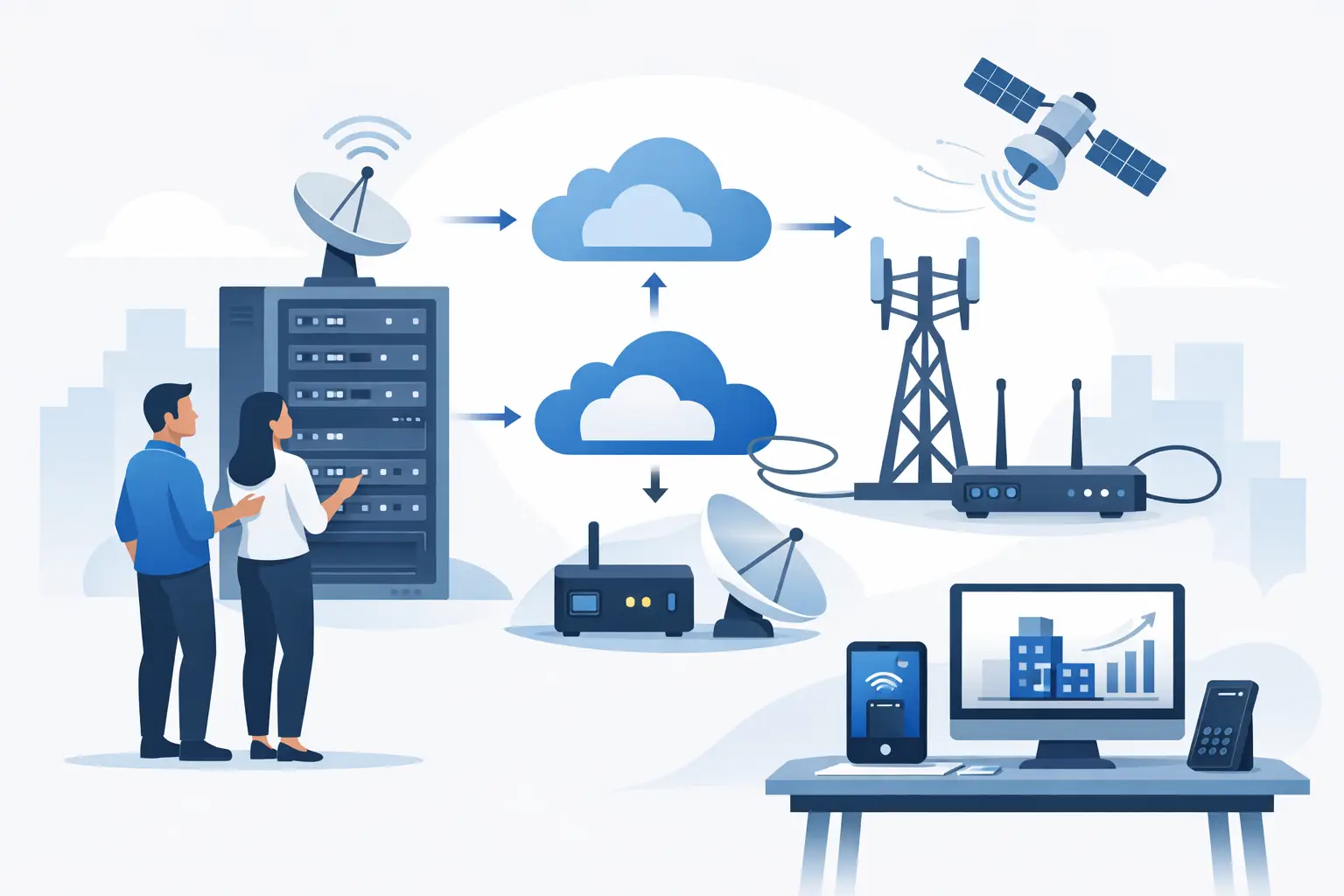
A primary internet outage can stop far more than web browsing. Cloud phone calls may fail, payment terminals may go offline, staff may lose access to business applications, and customers may be unable to reach your team. If you are asking how to back up internet for my business, the goal is not simply to buy a second connection. It is to build a failover plan that keeps the functions your organization depends on available when the primary service is disrupted.
For a South Florida business, that planning matters even more during severe weather, construction-related fiber cuts, power events, and local carrier outages. The right backup design depends on your location, the way your team works, and how much interruption your business can realistically absorb.
Start With the Cost of Being Offline
Before comparing internet options, define what an outage actually costs your business. A law office may need reliable cloud access and voice service to serve clients. A medical office may need secure connectivity for scheduling, records, and communications. A retailer may need credit card processing to remain open. A distributed company may need employees to continue using collaboration tools from multiple locations.
This assessment helps establish two practical targets. The first is recovery time: how quickly must internet access return? The second is recovery capacity: does the backup need to carry every function, or only essential traffic?
A short outage may be manageable for a small office that can work from mobile devices temporarily. A business with a call center, multiple cloud platforms, and customer-facing transactions may need automatic failover within seconds. Those are very different requirements, and they should not be served by the same one-size-fits-all recommendation.
Choose a Backup Connection That Fails Differently
A second circuit is only useful if it is unlikely to fail for the same reason as the first. This is the most common gap in business continuity planning. Two services may have different company names on the invoice but still travel through the same building entrance, utility pole, neighborhood network, or carrier infrastructure.
For that reason, the best backup internet strategy usually combines different access types and, when possible, different physical paths. A business using fiber as its primary connection might use cable, fixed wireless, or 5G wireless as its backup. A location where cable is primary may pair it with fiber or cellular connectivity.
Fiber and Cable Backup
Fiber generally provides strong performance, low latency, and the capacity needed for cloud-heavy organizations. As a primary circuit, it is often an excellent choice. As a backup, it can also work well when it enters the building through a genuinely separate route and uses different upstream infrastructure.
Cable internet can be a cost-effective secondary option for many offices. Its speeds are often sufficient to support essential applications, VoIP traffic, and remote access during a primary outage. Performance can vary by location and local network use, so it is worth validating real-world service availability rather than relying only on advertised speeds.
Fixed Wireless and 5G Backup
Wireless backup is especially valuable because it may avoid the local wired infrastructure that caused the original outage. Fixed wireless can provide dependable service where a clear line of sight and suitable coverage are available. Business 5G or LTE internet can be deployed quickly and offers flexibility for smaller sites, temporary locations, and teams that need a separate path from traditional wireline service.
The trade-off is that wireless performance may be affected by signal strength, network congestion, building construction, weather conditions, or data plan limits. It should be evaluated at the actual business location, not assumed based on consumer mobile service nearby. For many companies, wireless is an excellent failover layer, but it may not be the best choice for every high-bandwidth workload.
Build Automatic Failover Into the Network
A backup connection does not protect the business if someone must notice the outage, call a provider, unplug equipment, and manually switch networks. Automatic failover is what turns a second circuit into a continuity solution.
A properly configured firewall, SD-WAN appliance, or dual-WAN router monitors the primary connection. When it detects a service interruption, it directs traffic to the backup circuit. Once the primary service is stable again, the network can return traffic automatically or remain on backup until an administrator confirms the switch.
Configuration matters. Some devices only detect a complete loss of connectivity, while other failures are more subtle. The circuit may appear active even though cloud applications, DNS resolution, or a key destination cannot be reached. Monitoring should test meaningful external targets so the network recognizes a real outage rather than waiting for a total circuit failure.
Voice services deserve separate attention. If your business uses cloud phones, confirm that failover bandwidth and quality settings can support calls. Prioritizing voice traffic can protect call quality when employees are simultaneously using video meetings, file synchronization, and other bandwidth-intensive applications on the backup link.
Size Backup Internet for Essential Work
Not every organization needs a backup connection equal to its primary circuit. Paying for identical capacity may be justified for a site that cannot reduce operations at all, but many businesses can lower costs by planning for essential service levels during an outage.
Identify which applications must stay active. For example, you may prioritize phone calls, payment processing, remote desktop access, email, scheduling systems, and a limited number of cloud applications. Nonessential activity, such as large software updates, video streaming, guest Wi-Fi, and bulk file transfers, can be restricted while operating on backup.
This is where bandwidth planning becomes practical. A 5G backup may be more than adequate for a 10-person office handling calls and business applications. It may be inadequate for a 75-person operation that runs constant video conferences, large data transfers, and cloud-based production tools. The right answer depends on traffic patterns, not employee count alone.
Protect the Equipment That Makes Failover Work
Internet redundancy also depends on power and local network equipment. If a power interruption shuts down the modem, firewall, switches, Wi-Fi access points, and phone equipment, a backup circuit cannot keep the office connected.
At a minimum, place the primary and backup internet equipment, firewall, and critical network components on appropriately sized battery backup units. Organizations with higher continuity requirements may need generator support, power monitoring, and a plan for extended outages. Verify that any wireless backup device has adequate signal, power, and placement to operate when it is needed.
It is also wise to document the setup. Keep provider account details, circuit identifiers, equipment locations, support contacts, and escalation procedures available to the people responsible for operations. A clear record shortens response time when an incident occurs after hours or when a key employee is unavailable.
Test Your Business Internet Backup Plan
A backup connection that has never been tested is an assumption, not a continuity plan. Schedule a controlled failover test at least twice a year, and test again after a firewall replacement, office move, circuit change, major application rollout, or phone-system update.
During testing, disconnect or disable the primary circuit and confirm that the network switches to backup as intended. Place and receive calls, process a test transaction if applicable, access critical cloud applications, connect remote users, and check that alerts are delivered to the right people. Record how long failover takes and whether employees can continue working without IT intervention.
Testing often reveals overlooked issues: a firewall rule that blocks traffic, an expired wireless data plan, a phone system that needs updated network settings, or a backup connection that is too slow for actual demand. Finding those issues during a planned test is far less disruptive than discovering them in the middle of a customer-facing outage.
Work With a Partner Who Can Validate the Full Design
Choosing backup internet is not just a carrier decision. It involves available services at your address, physical diversity, equipment compatibility, failover configuration, voice requirements, contract terms, and ongoing support. A provider-neutral advisor can compare options across carriers and help determine whether the proposed secondary path is meaningfully independent from the primary one.
Peak Telecom helps businesses evaluate connectivity in the context of their complete communications environment, including internet access, voice, mobility, and network needs. That approach can reduce the time spent sorting through carrier claims and create clearer accountability when services need to be installed, adjusted, or escalated.
The most dependable backup plan is the one designed around the work your people must continue doing. Define those priorities now, verify the path your backup service takes, and test the failover before the next outage decides the schedule for you.