

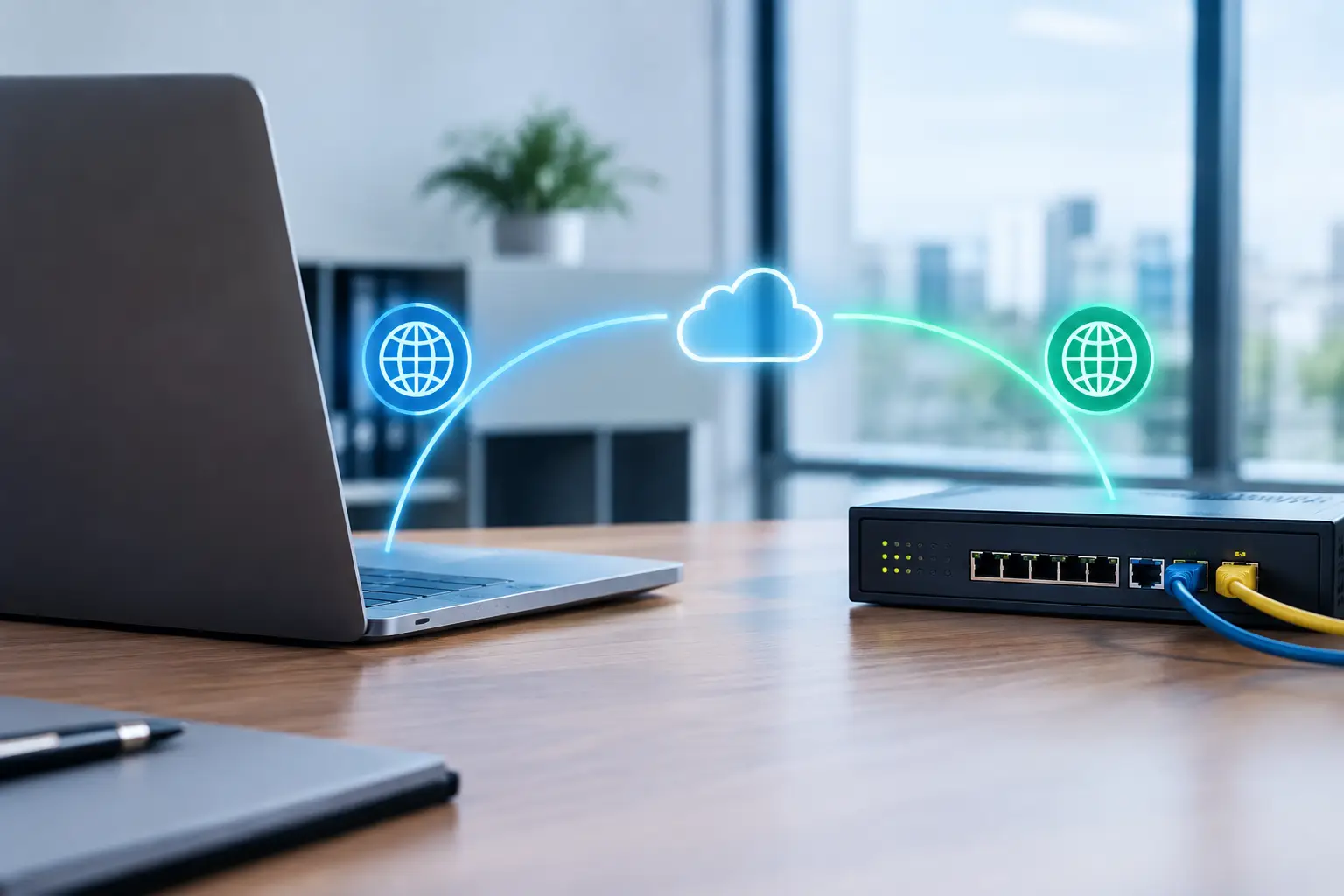
A five-minute internet outage can stop far more than web browsing. Card transactions may fail, cloud applications can become unreachable, phone calls may drop, and employees may be unable to serve customers. Business internet automatic failover is designed to reduce that exposure by moving traffic to a backup connection when the primary circuit has a problem.
For organizations that rely on cloud platforms, VoIP, point-of-sale systems, security cameras, or remote access, a backup internet plan is no longer only an IT concern. It is a continuity decision. The right design keeps essential operations available without requiring someone to notice the outage, call a carrier, and manually change equipment in the middle of a busy day.
What automatic failover does
Automatic failover uses a network device, typically a firewall, router, or SD-WAN appliance, to monitor a primary internet connection. When that connection is no longer usable, the device redirects traffic to a secondary connection. Once the primary service has recovered and meets the required performance standards, traffic can return to it automatically or remain on the backup until an administrator makes the change.
The key word is usable. A circuit does not have to go completely dark to create a business problem. Severe packet loss, high latency, DNS failures, or an upstream routing issue can make cloud applications and calls unreliable even when a router still shows an active connection. Better failover configurations test reachability to more than one destination, helping the network distinguish between a local outage and a single website problem.
The switch is commonly measured in seconds, but the experience depends on the application and network design. A web session may reconnect quickly. An active VoIP call or video meeting may drop and need to be restarted. Automatic failover protects availability; it does not guarantee that every live session will continue without interruption.
A backup connection should not share the same risk
A second circuit is most valuable when it does not depend on the same point of failure as the first. Two internet services from the same provider, delivered into the same building through the same physical route, can be more reliable than one connection, but they may still fail together if construction damages a shared conduit or an upstream provider issue occurs.
A stronger design uses service diversity. For example, a business may pair fiber with cable broadband, fixed wireless, or 5G business internet. The best combination depends on availability at the location, required upload speed, application sensitivity, budget, and the operational impact of an outage.
Fiber is often the preferred primary connection because it can deliver consistent performance, strong upload capacity, and service-level options. Cable can be an effective backup where it is delivered on a separate network. Fixed wireless and cellular services offer useful physical diversity because they avoid the local wireline path, although signal quality, data plans, network congestion, and building placement must be evaluated carefully.
For a small office, a primary fiber circuit paired with 5G may provide the right balance of cost and protection. A larger operation supporting hundreds of users, a call center, or transaction-heavy applications may require two wired circuits from separate providers, separate entrances where possible, and a cellular connection as an additional contingency.
How business internet automatic failover is configured
A failover solution has three parts: the primary service, the backup service, and the equipment that makes the decision to switch between them. The equipment must be sized for the organization’s traffic volume and security requirements. An inexpensive router may handle basic browsing but struggle to support encrypted VPN traffic, advanced firewall rules, or a large number of concurrent users during an outage.
The configuration should define which connection is preferred, how often the device tests connectivity, what conditions trigger failover, and how traffic returns to normal. If the thresholds are too sensitive, brief internet fluctuations can cause unnecessary switching. If they are too forgiving, employees may spend several frustrating minutes on an impaired connection before the backup activates.
Network teams also need to decide whether all traffic moves to the backup or only critical traffic does. During a cellular failover event, it may make sense to prioritize payment processing, business phones, remote access, and essential cloud applications while limiting software updates, video streaming, guest Wi-Fi, and large file transfers. This approach preserves limited backup bandwidth and helps prevent unexpected cellular data costs.
Failover and business phone systems
Cloud-based phone systems need special attention. When the office internet connection fails, desk phones may register through the backup circuit if the network and phone platform are configured correctly. However, call quality can be affected if the backup connection has limited bandwidth, high jitter, or weak cellular signal.
Businesses should confirm that the backup connection can support the number of simultaneous calls they expect during an outage. They should also verify whether remote users, contact center tools, call recording, and emergency calling information will behave as intended. A continuity plan may include forwarding calls to mobile devices if the office cannot sustain normal voice traffic.
Public IP addresses and VPN access
Some applications, security systems, and remote-access VPNs depend on a fixed public IP address. A backup circuit often uses a different public IP, especially when it is cellular. That can prevent outside users or vendors from reaching systems that are normally accessible through the primary connection.
There are ways to address this issue, including cloud-managed firewalls, dynamic DNS, redundant VPN designs, and applications that establish outbound connections. The right answer depends on what must remain reachable during an outage. This is why a failover conversation should include application owners, not just the person ordering internet service.
Common gaps that undermine a backup plan
Many businesses have a backup circuit but have never tested it. The service may be active, yet the router is misconfigured, the cellular data plan has a cap, or the backup connection cannot carry the expected workload. A paper plan is not the same as operational resilience.
Power is another overlooked dependency. If a building loses power, both internet circuits and network equipment may go down unless they are protected by an uninterruptible power supply or generator. The same applies to Wi-Fi access points, switches, phones, and the firewall that performs the failover. Identify which services must continue and make sure their entire power chain is covered.
Security also remains in force during failover. The backup path should still pass through the organization’s firewall and security policies. Directly connecting devices to a cellular hotspot may restore access quickly, but it can bypass normal controls, create inconsistent user experiences, and make troubleshooting more difficult.
How to plan the right level of protection
Start with the cost of downtime, not the price of the second circuit. Consider lost revenue, idle employees, missed calls, delayed service, customer frustration, and the time required to recover. A medical office, law firm, retailer, financial services firm, and warehouse may all need failover, but their acceptable downtime and bandwidth requirements will differ.
Then document the systems that must work during an outage. This usually includes phones, payment terminals, cloud software, VPN access, dispatch tools, and security platforms. Determine how many users and voice calls the backup must support, whether guest traffic will be restricted, and whether any systems require a stable public IP address.
Finally, test the design on a schedule. Disconnect the primary circuit during a controlled window and observe how quickly traffic changes over. Place calls, process a test payment, log in to critical applications, and verify remote access. Testing reveals issues while there is time to correct them, rather than during a carrier outage or severe weather event.
Get an advisor involved before an outage exposes the gaps
Carrier availability, building infrastructure, contract terms, and equipment capabilities can make failover planning more complicated than it first appears. A provider-neutral advisor can compare diverse connectivity options, identify shared-risk concerns, and coordinate the primary, backup, firewall, and phone-system requirements as one business continuity plan.
Peak Telecom helps businesses evaluate these choices with the practical goal in mind: keeping employees productive and customers supported when a connection fails. The best failover design is not necessarily the most expensive one. It is the one that matches your operational risk, gives your team clear expectations, and has been tested before your next outage.