

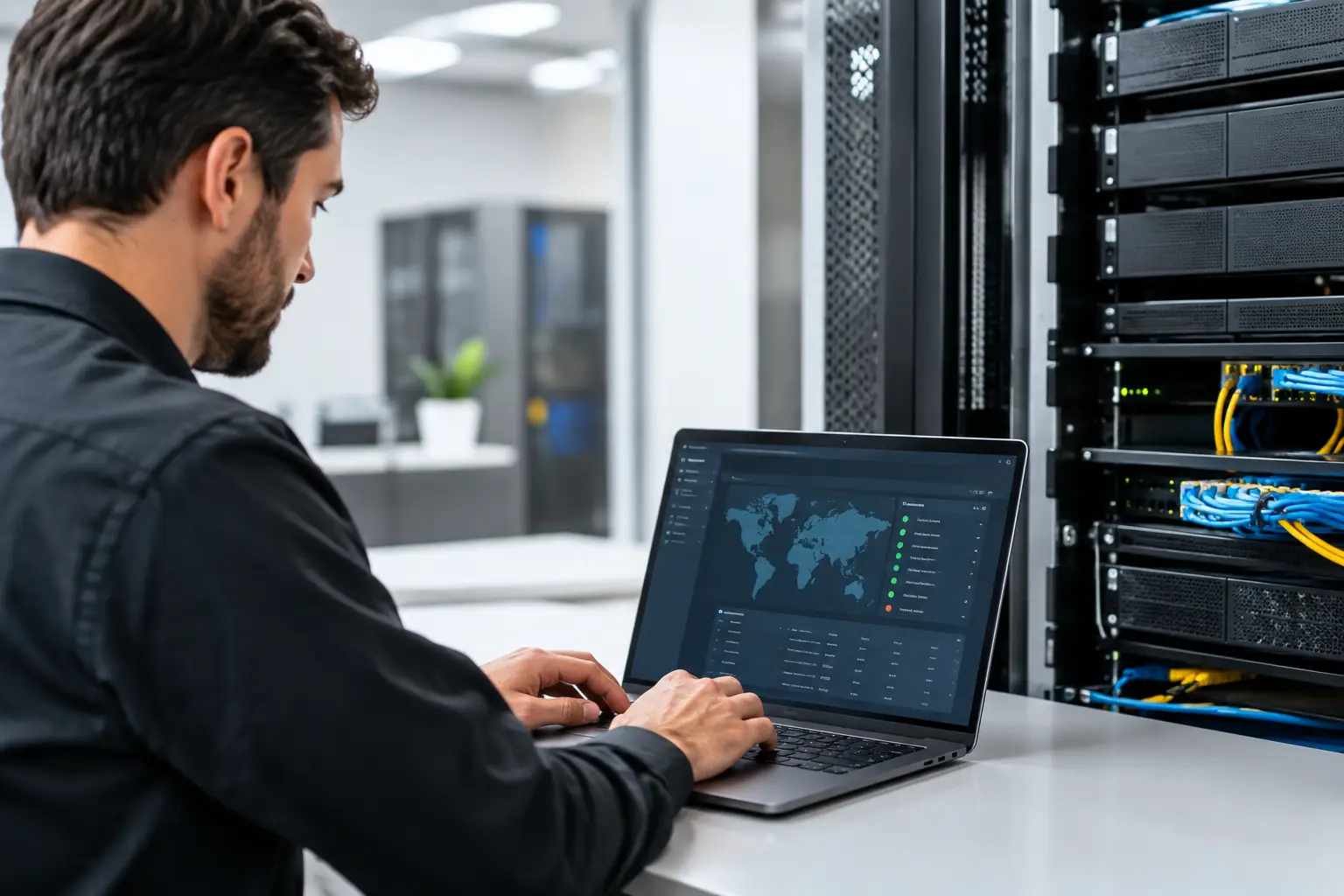
When the primary network is down, the usual management tools may be down with it. An out-of-band management console server gives IT teams a separate path to reach routers, switches, firewalls, SD-WAN appliances, and other critical equipment when the production network cannot carry traffic. For a business that depends on phones, cloud applications, payment systems, or connected locations, that separate path can turn a lengthy outage into a faster, more controlled recovery.
What an Out-of-Band Management Console Server Does
A console server is a specialized device that connects to the serial console ports on network equipment. It allows authorized administrators to access those ports remotely rather than requiring someone to be physically present at the site with a laptop and console cable.
The out-of-band portion is what makes the design valuable. Management traffic uses an independent connection, often cellular or a secondary internet circuit, instead of relying on the same LAN, WAN, or primary internet service that may have failed. If a router freezes, a firewall configuration blocks access, or the main circuit goes offline, the IT team can still log in to diagnose the issue and make corrections.
This is different from ordinary remote management. Accessing a switch through its network IP address is in-band management because it depends on the working production network. An out-of-band console connection is intended for the moment in-band access is unavailable.
For many organizations, the real benefit is not simply remote access. It is reducing the time between identifying a network failure and taking meaningful action. That matters when employees cannot process orders, contact customers, access business systems, or support remote staff.
Where Console Servers Make the Most Sense
Not every office needs the same level of out-of-band design. A small site with a single internet circuit and readily available local IT support may decide that the cost is not justified. A headquarters, distribution center, medical office, financial services branch, or multi-location organization often has more to gain.
The strongest use cases usually share one or more of these conditions: the site is difficult to reach, downtime creates immediate business disruption, network equipment is complex, or internal IT resources are centralized elsewhere. A console server is also useful at unattended locations, such as retail branches, warehouses, construction trailers, and remote utility or operations sites.
Consider a South Florida business with a primary fiber connection, SD-WAN appliance, firewall, managed switch, and a cloud phone system. A power event or bad configuration could isolate the entire network stack. If IT can reach the console server through a cellular connection, it can inspect device logs, verify interfaces, roll back a configuration, or coordinate with the carrier using accurate technical details. Without that access, the next step may be dispatching a technician or asking nontechnical staff to reconnect cables under pressure.
The Components of a Practical Out-of-Band Design
A console server is only one part of the solution. Its value depends on the surrounding connectivity, power, security, and operating procedures.
Independent Connectivity
The management path must not fail for the same reason as the primary network. Cellular service is a common choice because it uses a separate access method and can be deployed where a second wired circuit is impractical. In higher-priority locations, a secondary wired internet connection may provide another layer of resiliency.
Cellular is not automatically the right answer in every location. Signal quality, building construction, carrier coverage, data plan limits, and antenna placement all affect performance. Test service inside the network room, not just outside the building. A low-cost backup circuit that cannot maintain a reliable management session during an outage will not meet the objective.
Power Visibility and Control
A console connection is of limited use if the device is powered off or locked up and cannot be restarted. Many organizations pair a console server with a managed power distribution unit or smart plug. This can allow an authorized technician to power-cycle a modem, router, firewall, or switch remotely after confirming that a reboot is appropriate.
Power control requires discipline. Restarting equipment without understanding the issue can interrupt active troubleshooting or create a larger service problem. Document which outlet feeds which device, identify equipment that should never be restarted casually, and define who has approval to issue a remote reboot.
Device Connections and Capacity
Before selecting hardware, inventory the equipment that needs console access. Count serial ports, identify connector types, and account for future devices. A site with a firewall, two routers, two switches, and an SD-WAN appliance may need more ports than expected.
It is also worth confirming whether each device supports serial console access and whether a console server can support the required speeds and cable pinouts. These are small implementation details, but they often determine whether remote access works when it is needed most.
Security Cannot Be an Afterthought
Out-of-band management creates a powerful administrative path into the network. Treat it as critical infrastructure, not as a convenience device installed and forgotten in a wiring closet.
Use named administrator accounts rather than shared credentials. Require multi-factor authentication where supported, assign access based on job responsibilities, and remove access promptly when employees or vendors no longer need it. Management traffic should be encrypted, and access should be restricted through approved source addresses, a secure VPN, or another controlled method appropriate to the organization’s security standards.
Change default credentials before deployment, keep firmware current, and send logs to a monitored system when possible. The console server itself should be included in vulnerability management, configuration backups, and asset documentation.
Vendor access deserves particular attention. A managed service provider or network integrator may need emergency access, but that does not mean permanent unrestricted access is the best approach. Time-limited accounts, approval procedures, and clear audit records protect both the business and its service partners.
Plan for Real Failure Scenarios
The best time to test out-of-band management is before an outage, not during one. A basic test should include disconnecting the primary WAN connection or disabling the primary management route, then confirming that an authorized IT user can reach the console server through the backup path.
From there, test access to each connected device. Confirm that the correct device names appear, console sessions open successfully, credentials work, and documentation accurately identifies ports and power outlets. If a managed power device is part of the design, test a controlled reboot of a noncritical device or during a planned maintenance window.
Document the process in business terms as well as technical terms. Who contacts the carrier? Who has authority to make firewall changes? When should staff at the site be asked to check power or cables? What information should be provided to leadership while service is being restored? Clear responsibilities reduce the confusion that often extends an outage.
Choosing Between Basic and Advanced Deployments
A basic deployment may consist of one console server with cellular connectivity at a high-priority site. This can be a sensible starting point for a small business with limited internal IT resources. It provides emergency access without requiring a large infrastructure project.
A more advanced deployment may include dual SIM cellular service, secondary wired connectivity, managed power, environmental sensors, centralized authentication, monitoring integration, and standardized configurations across multiple locations. That approach is better suited to organizations with distributed sites, compliance requirements, or costly downtime.
More equipment is not always better. Every added component introduces cost, configuration effort, monitoring needs, and another item that can fail. The right design reflects the business impact of downtime, the available support model, and the practical realities of each location.
Questions to Ask Before You Buy
Before selecting an out-of-band management console server, start with operational questions rather than a hardware specification sheet. Which devices must be reachable during a failure? What failures are most likely at this site? Does the location have dependable cellular coverage? Who will use the system at 2:00 a.m., and do they have the access and documentation needed to act?
Also evaluate the broader carrier and network design. A console server can help troubleshoot an internet outage, but it does not replace appropriate primary and backup connectivity. Businesses with high availability requirements may need diverse internet providers, separate building entrances, automatic failover, and a clear escalation plan alongside out-of-band access.
A provider-neutral telecom advisor can help align those decisions. Peak Telecom works with businesses to assess connectivity requirements, compare provider options, and coordinate services around the real operational needs of each location.
The most useful out-of-band solution is the one your team can use confidently under pressure. Build it around likely failure points, protect it like any privileged system, test it regularly, and keep the instructions close to the people responsible for restoring service.