

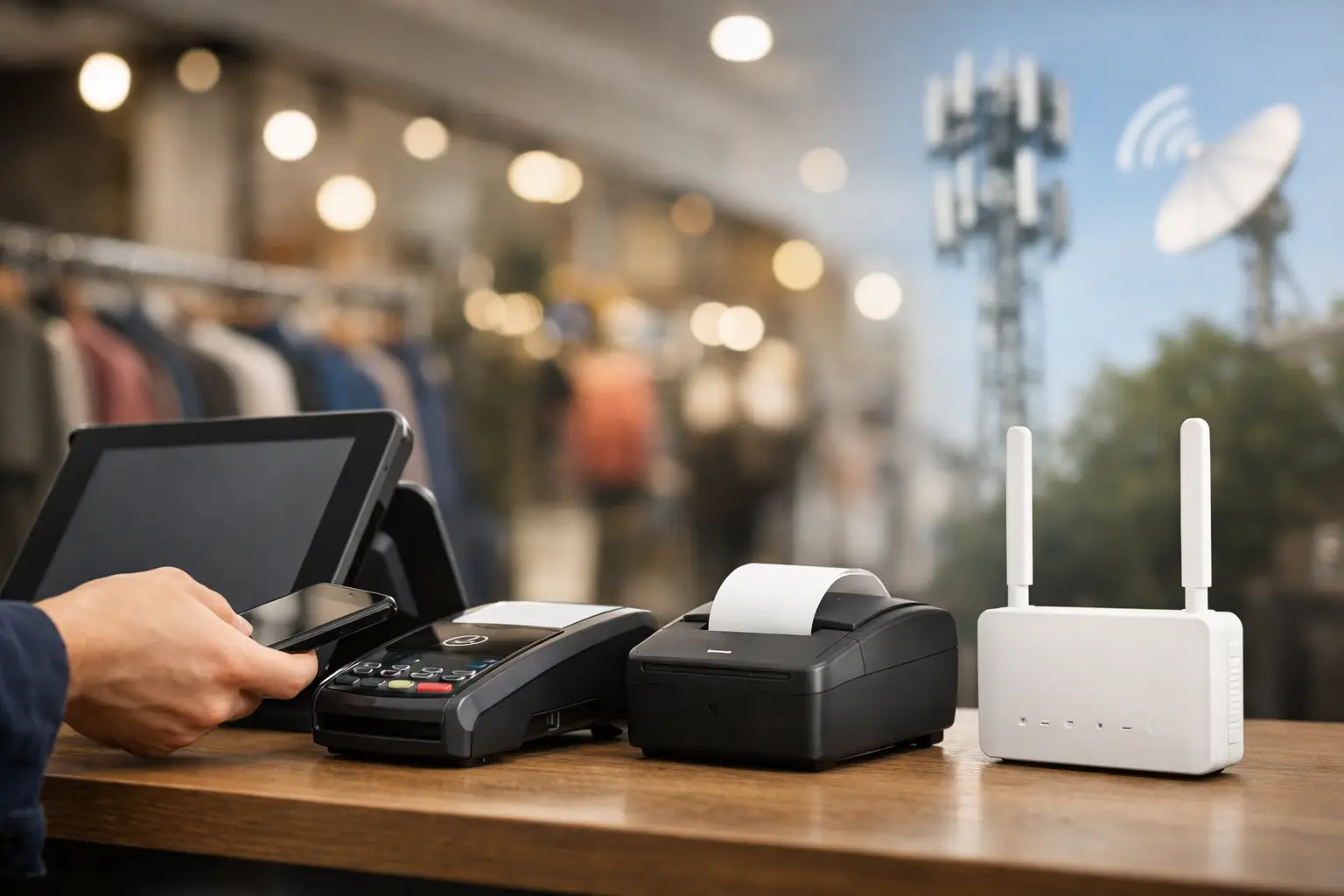
A primary internet outage can turn a normal retail rush into a costly standstill within minutes. Card payments fail, cloud-based POS systems cannot process transactions, inventory updates stop, and staff are left explaining the problem to customers at the counter. Multi-carrier cellular backup for retail POS gives retailers an alternate path to the internet when their main connection is unavailable – and, when designed correctly, it avoids relying on a single mobile network for that backup.
For a retailer, this is not simply an IT contingency plan. It is a checkout continuity strategy. The goal is to keep essential transaction traffic moving long enough to protect revenue, preserve customer confidence, and give the primary provider time to restore service.
Why retail POS needs a different backup strategy
Retail locations have little tolerance for connectivity interruptions. A back-office employee may be able to wait to upload a file or access an application later. A customer standing at the register generally will not. Even a short outage can create long lines, abandoned purchases, manual workarounds, and lost sales.
Many POS environments also depend on more than one connected service. Payment terminals, cloud POS platforms, loyalty programs, inventory systems, online order fulfillment, guest Wi-Fi, security cameras, and digital signage may all share the same internet connection. When that circuit fails, the business must decide what traffic deserves priority.
A practical backup design focuses first on the systems that directly support sales. That commonly includes the POS platform, payment authorization, and the devices required to complete a transaction. Less critical traffic should be limited or paused during failover so it does not consume available cellular capacity.
What multi-carrier cellular backup for retail POS means
Cellular failover uses a wireless connection as a secondary internet path. A compatible router monitors the primary connection and automatically shifts traffic to cellular service if it detects an outage. When the main circuit is restored and stable, the router can return traffic to the primary connection.
Multi-carrier cellular backup for retail POS adds carrier diversity to that design. Rather than placing all backup reliance on one cellular provider, the solution can use two or more carrier options through separate SIMs, eSIM profiles, or dual-modem hardware. If one carrier has weak coverage, local congestion, or a service issue, another carrier may provide a usable path.
That distinction matters because cellular availability is highly location-specific. A carrier that performs well across most of South Florida may have weak indoor signal at a particular shopping center, downtown storefront, or back-office area. Building materials, nearby construction, local tower capacity, and weather conditions can all affect performance. The right choice should be validated at the actual store, not assumed from a coverage map.
Failover is only as good as the design behind it
Buying a cellular router and adding a data plan does not automatically create dependable checkout continuity. The configuration, placement, carrier selection, and traffic policies determine whether the backup service supports the business when it is needed.
Start with a realistic outage scenario
First, define what the store must be able to do during an outage. A single-register boutique may only need to process card payments and access its cloud POS. A larger retailer may need multiple registers, returns, handheld devices, order pickup, inventory lookups, and connectivity to a central network.
This requirement determines the capacity needed. Cellular backup is often an excellent fit for critical POS traffic, but it may not be the right tool for operating every connected service at full scale. Streaming security video to the cloud, automatic software updates, public Wi-Fi, and large file synchronization can use significant data and reduce performance for transactions. A well-designed failover policy protects the traffic that keeps the store operating.
Test more than one carrier at the site
Carrier diversity works only if the selected carriers perform differently and reliably at the location. Test signal strength and actual data performance inside the store, especially near the router’s proposed placement. A signal that looks acceptable during a quiet afternoon may behave differently during peak shopping hours or a local event.
For some locations, the best approach is active-passive failover: one carrier is ready to take over if the other cannot connect. Other businesses may benefit from active-active configurations that use multiple connections at once. Active-active designs can improve available bandwidth and resilience, but they are more complex and may not be necessary for a small store with modest transaction volume.
Use the right router and antenna setup
The router is the control point for failover, security, and traffic prioritization. Business-grade equipment should support the required carriers, automatic failover, remote monitoring, and policy-based routing. It should also be capable of handling the expected number of connected devices without becoming a bottleneck.
Physical placement matters just as much. A router tucked into a metal cabinet or electrical closet may receive a much weaker signal than one located near an exterior wall or window. In challenging locations, an external antenna can make a meaningful difference. This should be evaluated during installation rather than after the first outage exposes a coverage problem.
Protect payment and business data
Cellular backup should follow the same security expectations as the primary network. Payment traffic, POS devices, staff devices, guest Wi-Fi, and cameras should be separated appropriately. Firewalls, network segmentation, secure remote management, and current firmware all help reduce risk.
Retailers should also confirm that the design aligns with their payment processor, POS provider, and PCI-related responsibilities. The backup connection is not a shortcut around security requirements. It is another network path that must be governed correctly.
Data usage and cost require clear guardrails
Cellular data is valuable during an outage, but it can become expensive if every device continues operating as usual. This is one of the most common planning gaps. A store may expect backup data use to be minimal, then discover that cameras, music systems, employee devices, or software updates consumed much of the monthly allowance.
Set policies that prioritize POS and payment traffic. Restrict guest Wi-Fi, pause nonessential cloud backups, defer updates, and control streaming applications while the location is on cellular. Usage alerts can notify the operations or IT team when the store enters failover and when data consumption reaches a defined threshold.
Cost planning should account for both the recurring readiness expense and the potential cost of an outage. A backup plan that seems more expensive on paper may be justified if it prevents lost transactions during a busy weekend, holiday period, or seasonal promotion. The appropriate data plan depends on transaction volume, the number of registers, what applications must remain available, and how frequently the primary circuit has failed in the past.
Monitoring turns backup from a device into a service
A backup connection that has never been tested is an assumption, not a business continuity plan. Retailers should periodically verify that automatic failover works, POS transactions can be completed, and the primary connection restores correctly afterward. Testing should be scheduled to minimize disruption and documented so staff know what to expect.
Remote monitoring is equally valuable. It can show whether the primary circuit is unstable, whether the cellular service is connected, how much data has been used, and whether the router needs attention. For multi-location retailers, this visibility helps IT teams identify patterns instead of responding to each outage as an isolated event.
A telecom advisor can also simplify the provider side of the process. Peak Telecom helps businesses compare carrier options, assess site requirements, coordinate implementation, and maintain one accountable point of contact as needs change. That support is particularly useful when the retail operation has limited internal IT resources or multiple vendors involved in internet, wireless, security, and POS services.
A practical path to a dependable retail failover plan
The strongest designs begin with the business outcome: keep customers paying when the primary connection fails. From there, evaluate primary internet reliability, identify the POS and payment traffic that must continue, test multiple cellular carriers at each site, and select equipment that can enforce the right priorities.
There is no single configuration that fits every retailer. A small independent shop may need a simple dual-carrier router with carefully limited traffic. A multi-register store, restaurant, or regional chain may need managed equipment, external antennas, network segmentation, centralized monitoring, and different carrier combinations by location.
The most useful question is not whether a store has cellular backup. It is whether that backup has been designed, tested, and supported to keep the register open when customers are ready to buy.